Markelangelo Labs product — free
MLATOMATO
A Pomodoro app that leads with the tomato: a circular phase timer, a strip of activity modes, animated scenes and background music. And so you don't need five apps, parallel timers, day-of-week alarms and a lap stopwatch are already inside.
- Free — no ads, no purchases
- No tracking, works offline
- Windows · Linux · Android
Features
One app instead of five
Pomodoro — the first screen
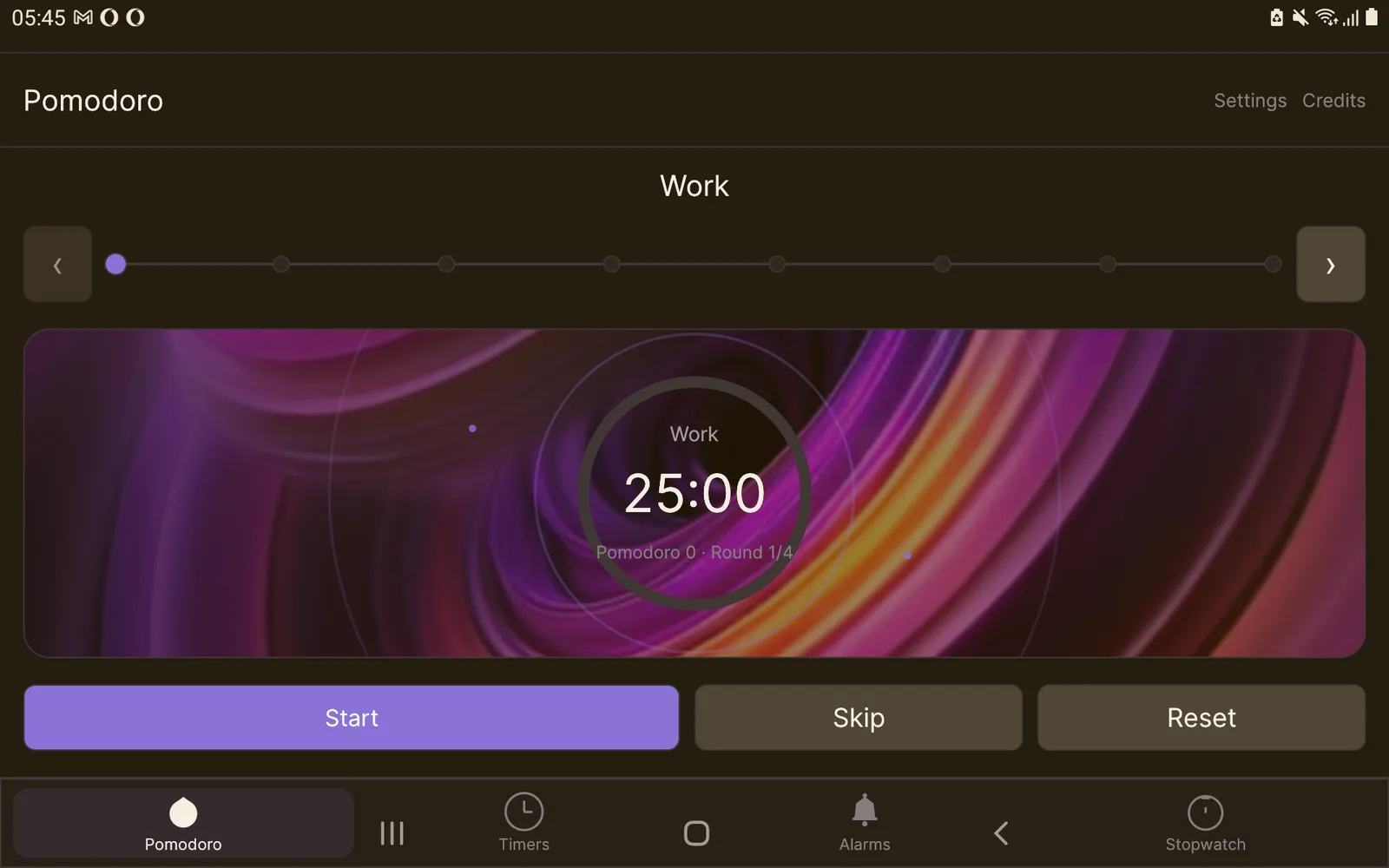
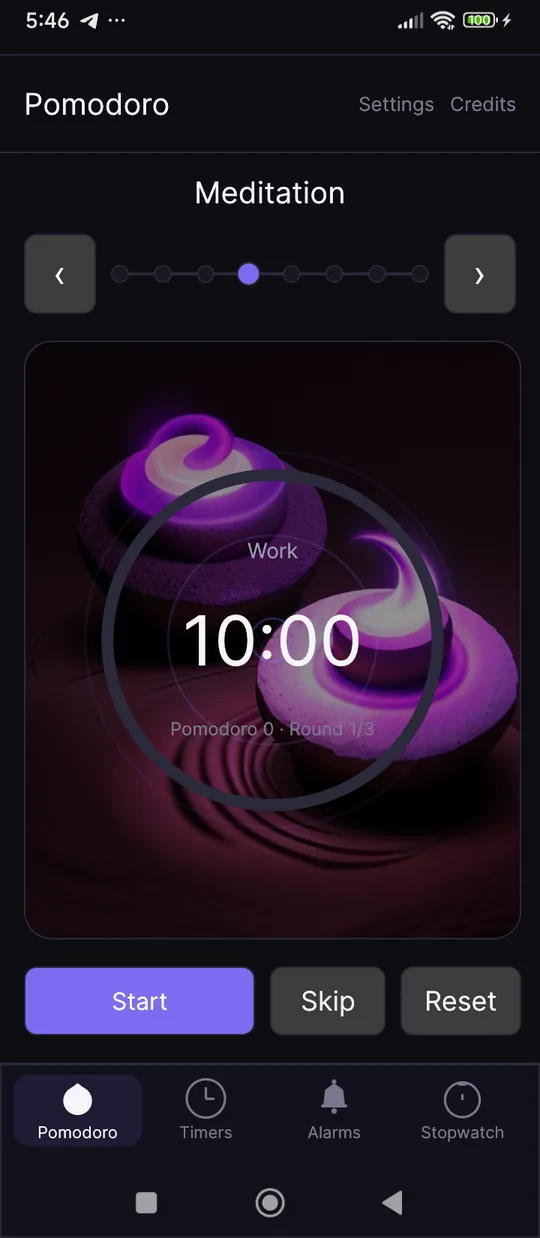
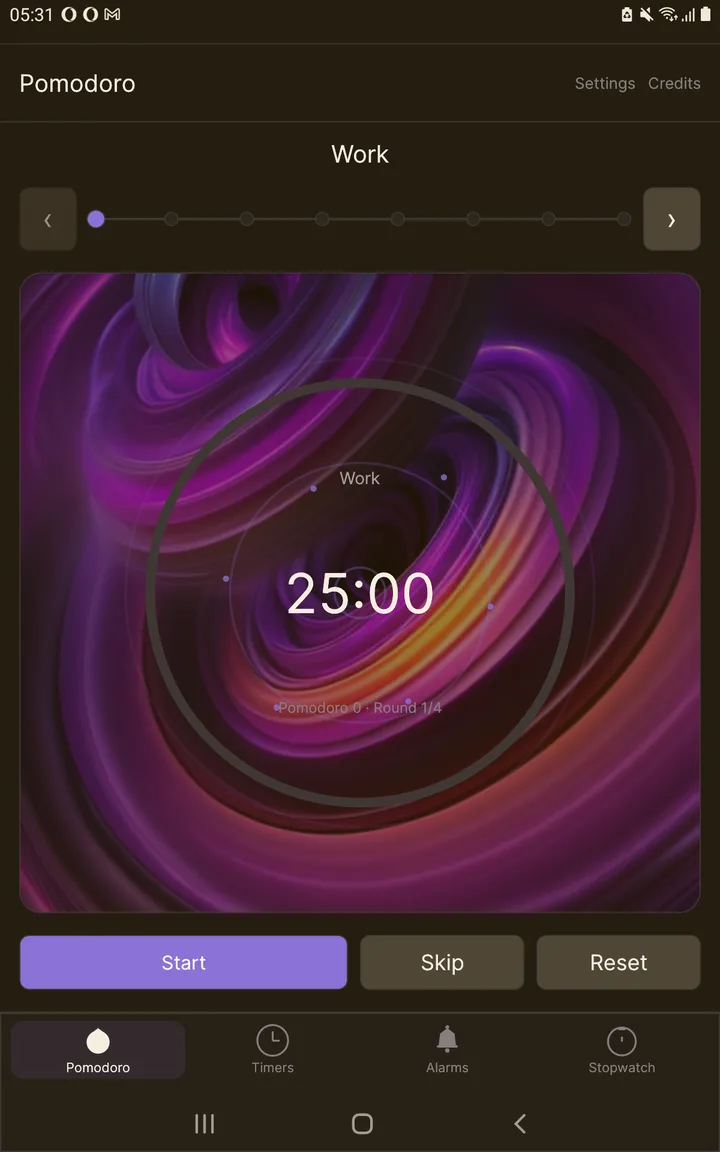
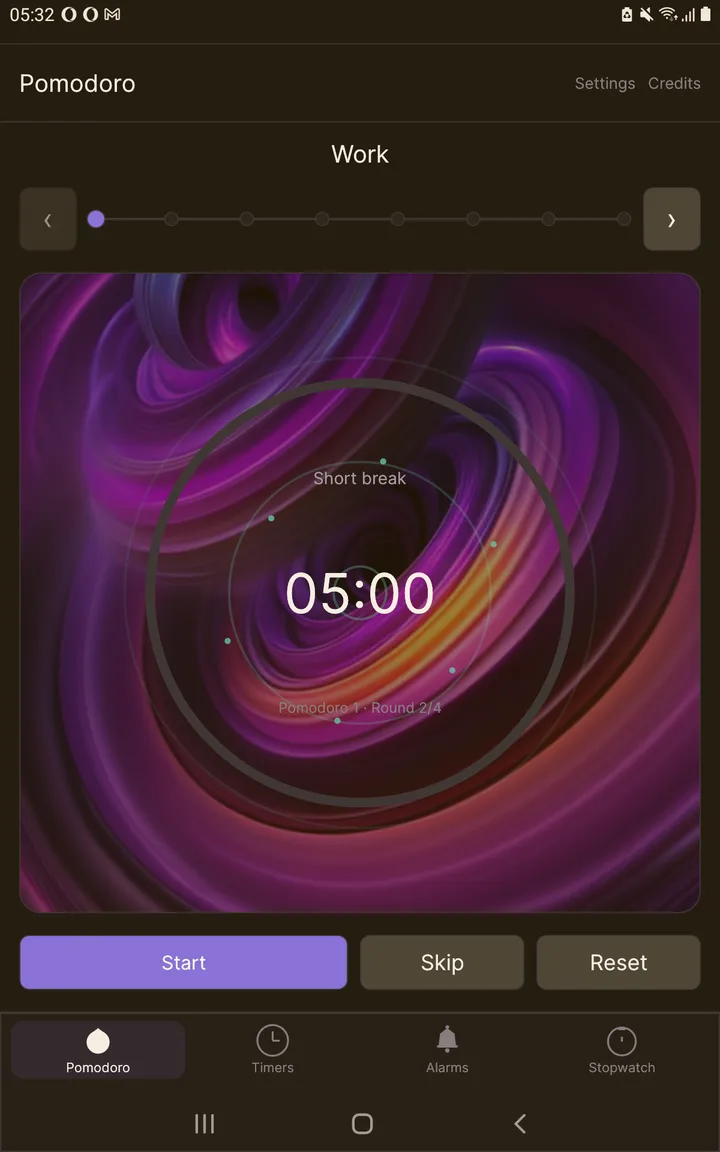
A state-machine of focus phases: Work → short break, every Nth tomato → a long break. Eight ready modes (Work, Reading, Surfing, Meditation, Study, Deep work, Rest, Exercise) — durations and the tomatoes-until-long-break count are fully configurable. Animated scenes (Abstract, Zen garden, Growth, Fire) and a background track per mode, with volume and mute.
Timers
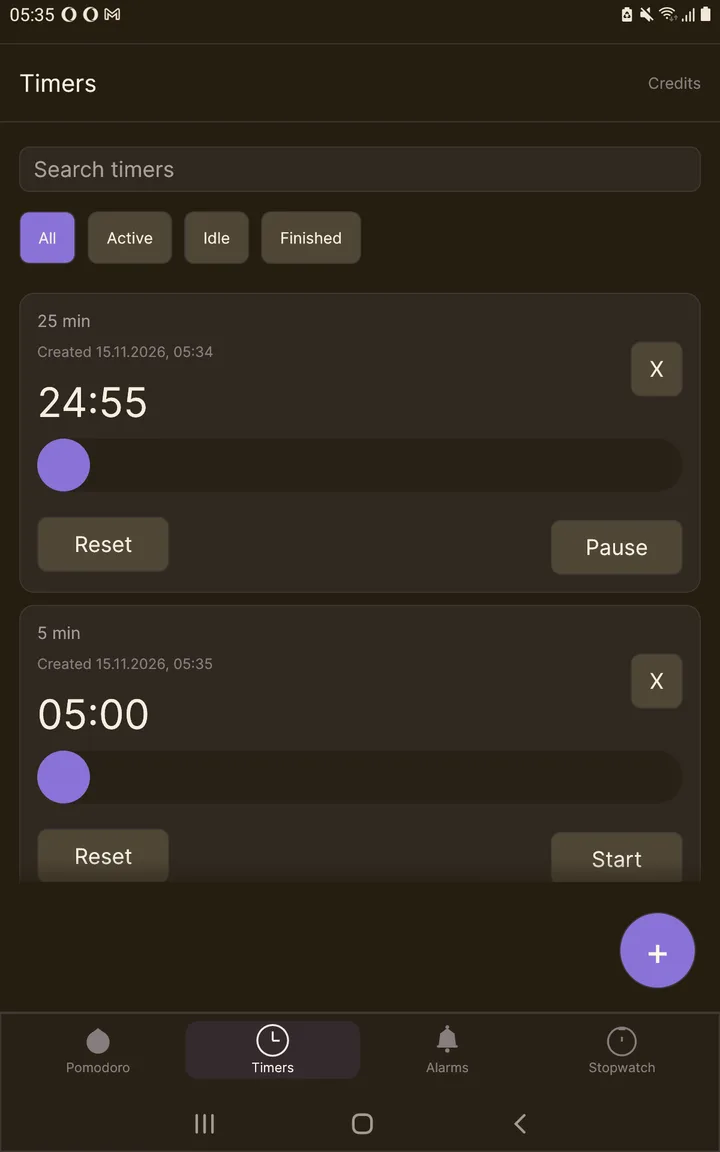
Parallel timers with labels, pause and reset. New timers start idle with an auto-label by duration; the list survives restarts (running timers restore paused). Search by name, status filters (All / Active / Idle / Finished), active timers float to the top, and the list is virtualized — thousands of timers don't slow it down.
Alarms
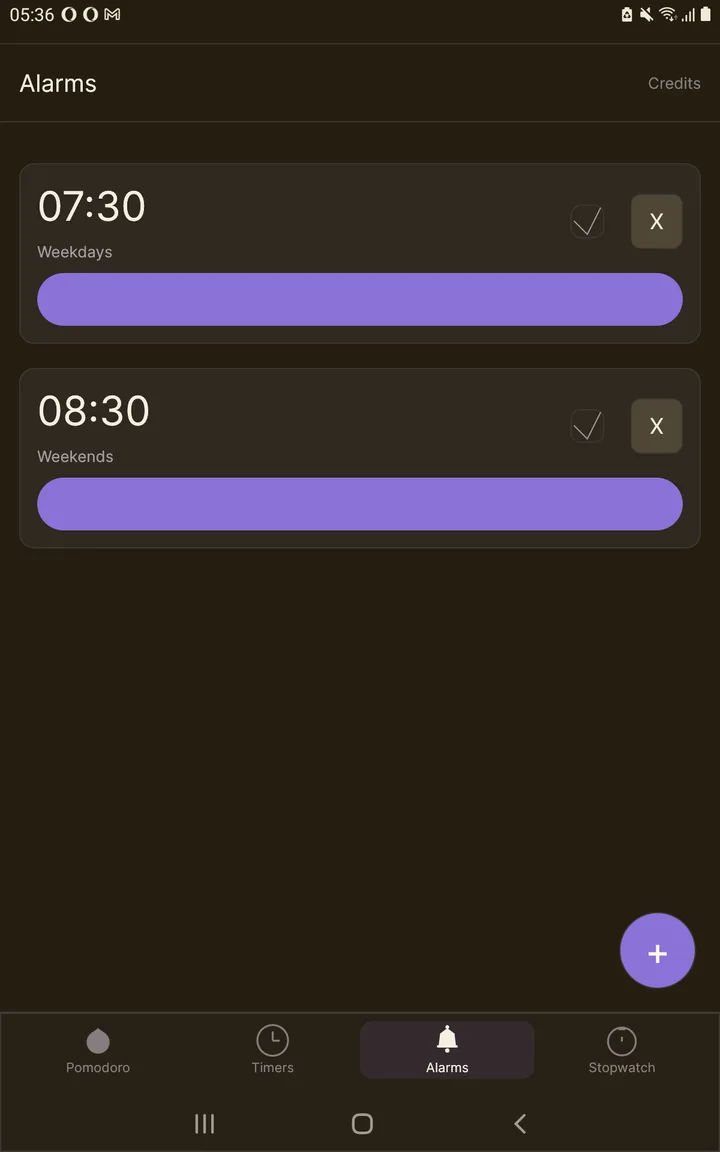
Alarms with per-day-of-week scheduling and on/off switches.
Stopwatch
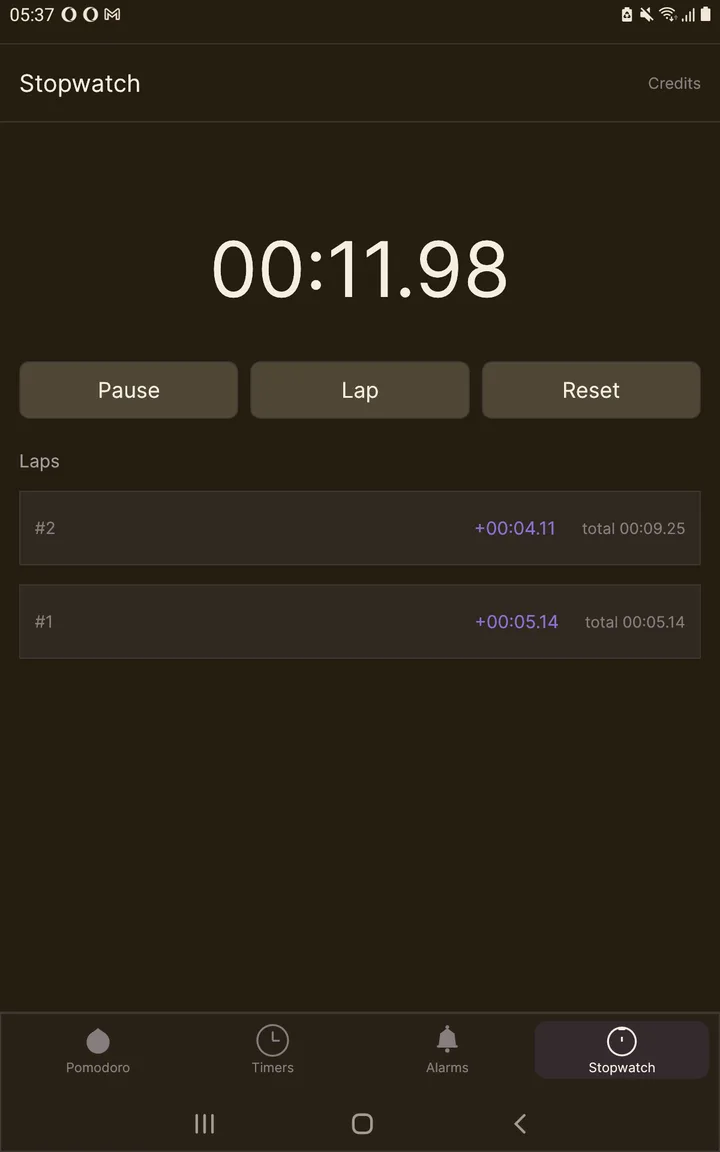
A stopwatch with laps.
Designed for one hand
Primary actions sit at the right edge and the bottom, time is set with inertia scroll wheels instead of tiny steppers, dark theme, consistent touch targets.
Pomodoro modes
Ready when you are
Work 25/5/15 · Reading 50/10/20 · Surfing 15/5/10 · Meditation 10/3/5 · Study 50/10/20 · Deep work 90/15/30 · Rest 20/5/10 · Exercise 30/5/10 — every value editable, add your own modes.
Screenshots
What it looks like
Download
MLATOMATO 0.6.0 — free
- Android — mlatomato.apk (Android 8.0+, arm64 and armv7)
- Windows — mlatomato-0.4.1-windows-x64.zip (portable)
- Linux — mlatomato-0.4.1-linux-x64.zip (portable)
Install the APK by allowing installs from unknown sources. On desktop, unzip and run — no installer needed. Everything stays on your device: no account, no cloud, no analytics.
Credits
Free assets
- Music — Free Safe Music (free license, commercial use allowed)
- Interface and impact sounds — Kenney (CC0); Surfing gulls — Freesound (CC0)
- Font — Inter by Rasmus Andersson (SIL OFL 1.1)