Expression cards
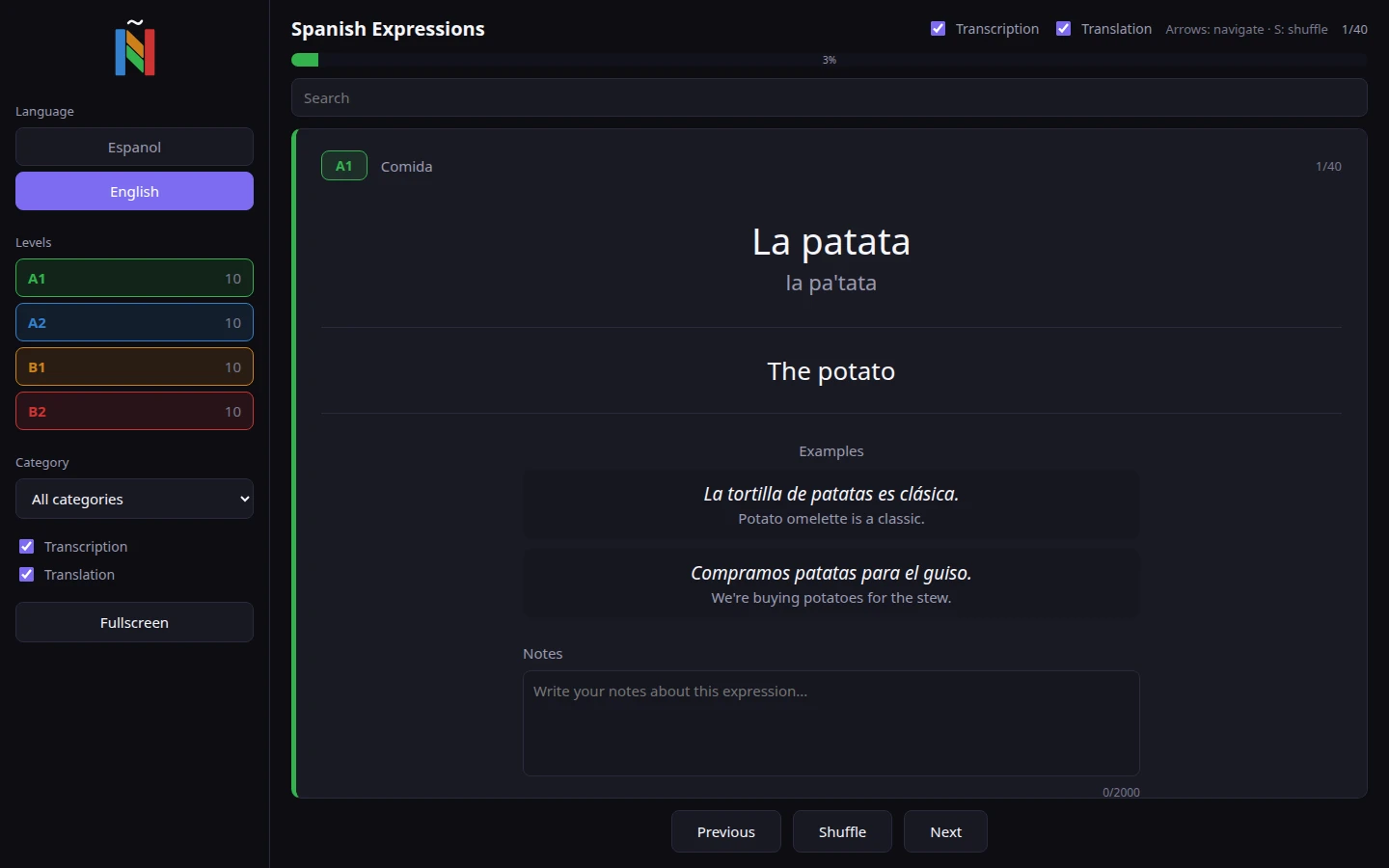
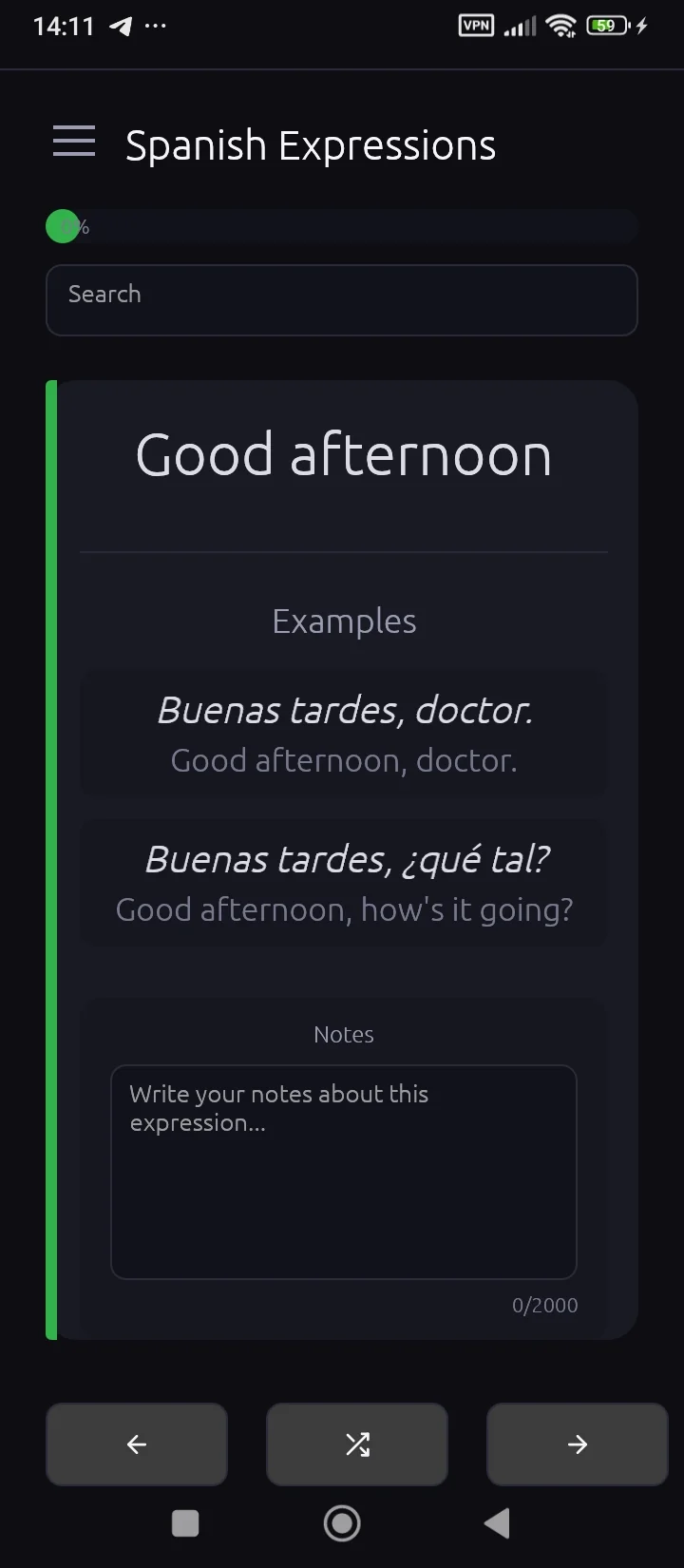
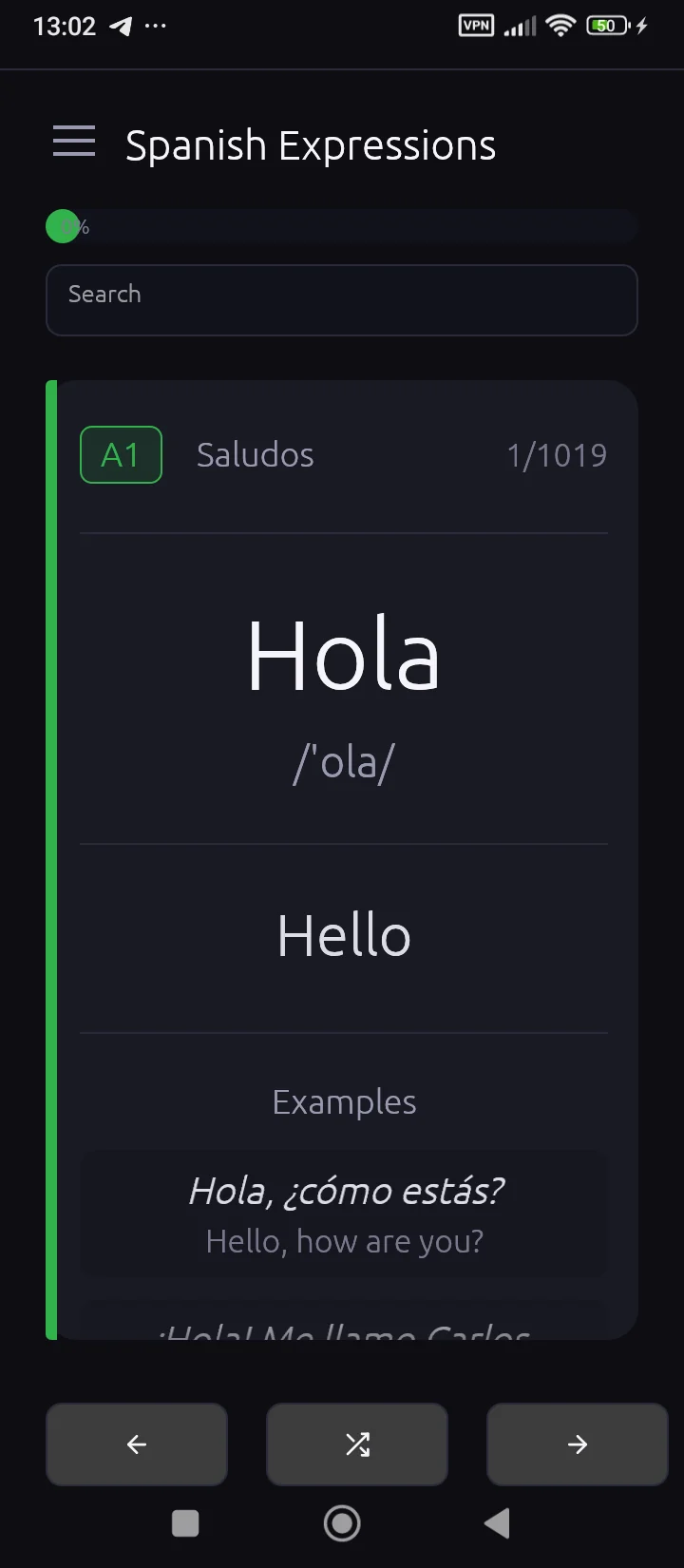
Every card shows the phrase, its transcription, the English translation and usage examples.
Markelangelo Labs product
A Spanish expressions trainer with 2080 expressions across CEFR levels A1–B2 — each with transcription, English translation and usage examples. Works offline on Windows, Linux, macOS and Android.

Features
Every card shows the phrase, its transcription, the English translation and usage examples.
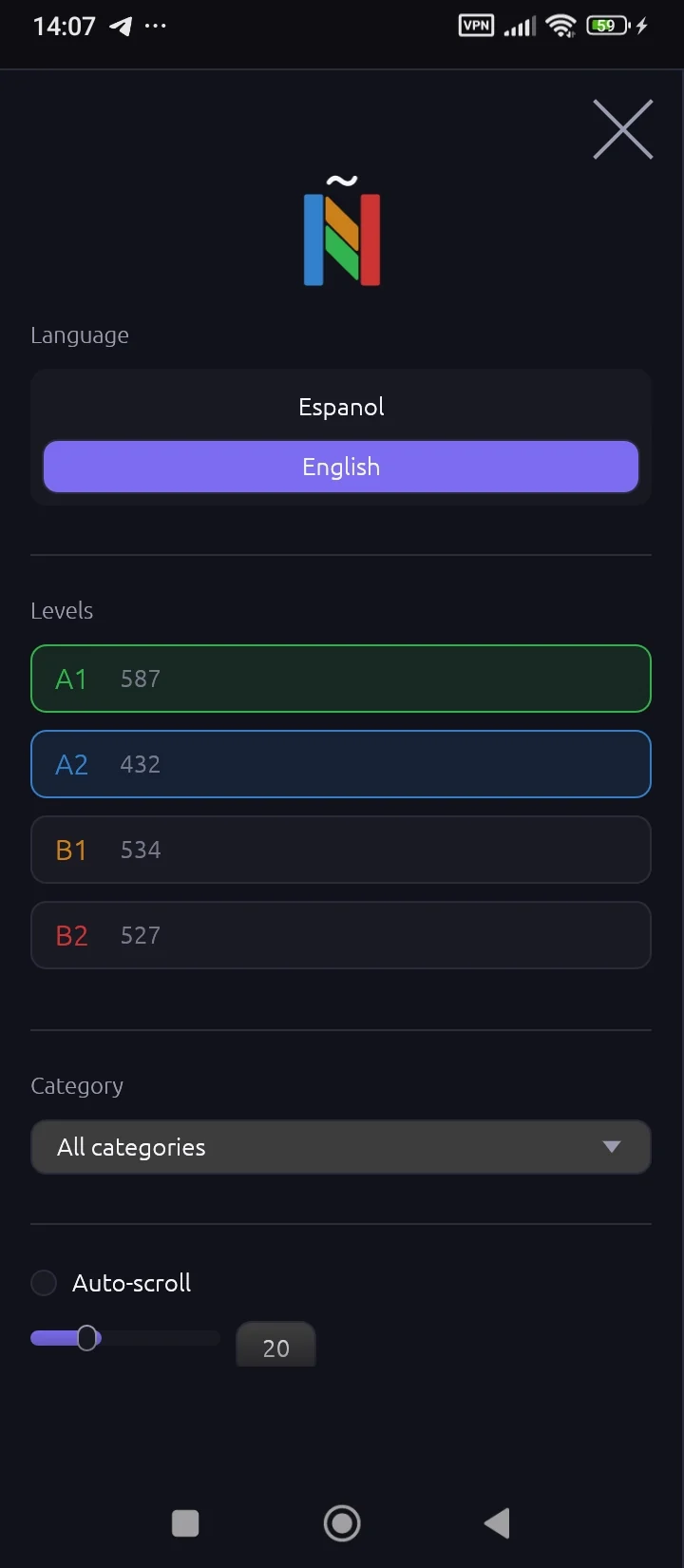
Filter by level from A1 to B2 and see how many expressions each level holds before you start.
Thematic groups — from colors and feelings to work and idioms — keep sessions focused. Full version.
Search across Spanish phrases and English translations, case-insensitive, mid-word included.
Shuffle for a random order, or let cards advance automatically every 5 to 60 seconds.
Add your own memory hooks to any expression and export every note to a Markdown file.
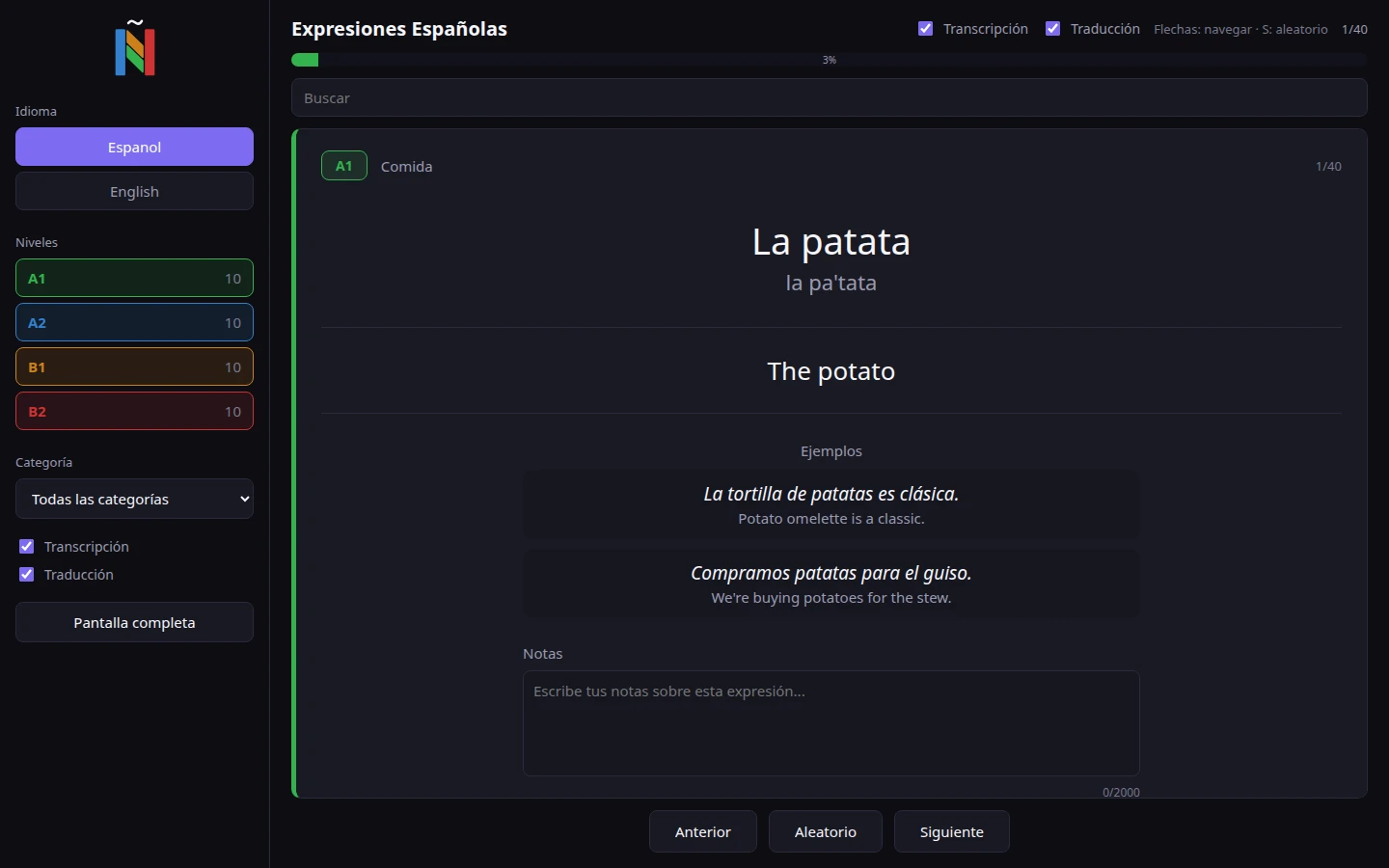
The entire interface switches between English and Spanish in one tap.
Level filters, interface language and the current card are restored on every launch.
Screenshots
Live demo
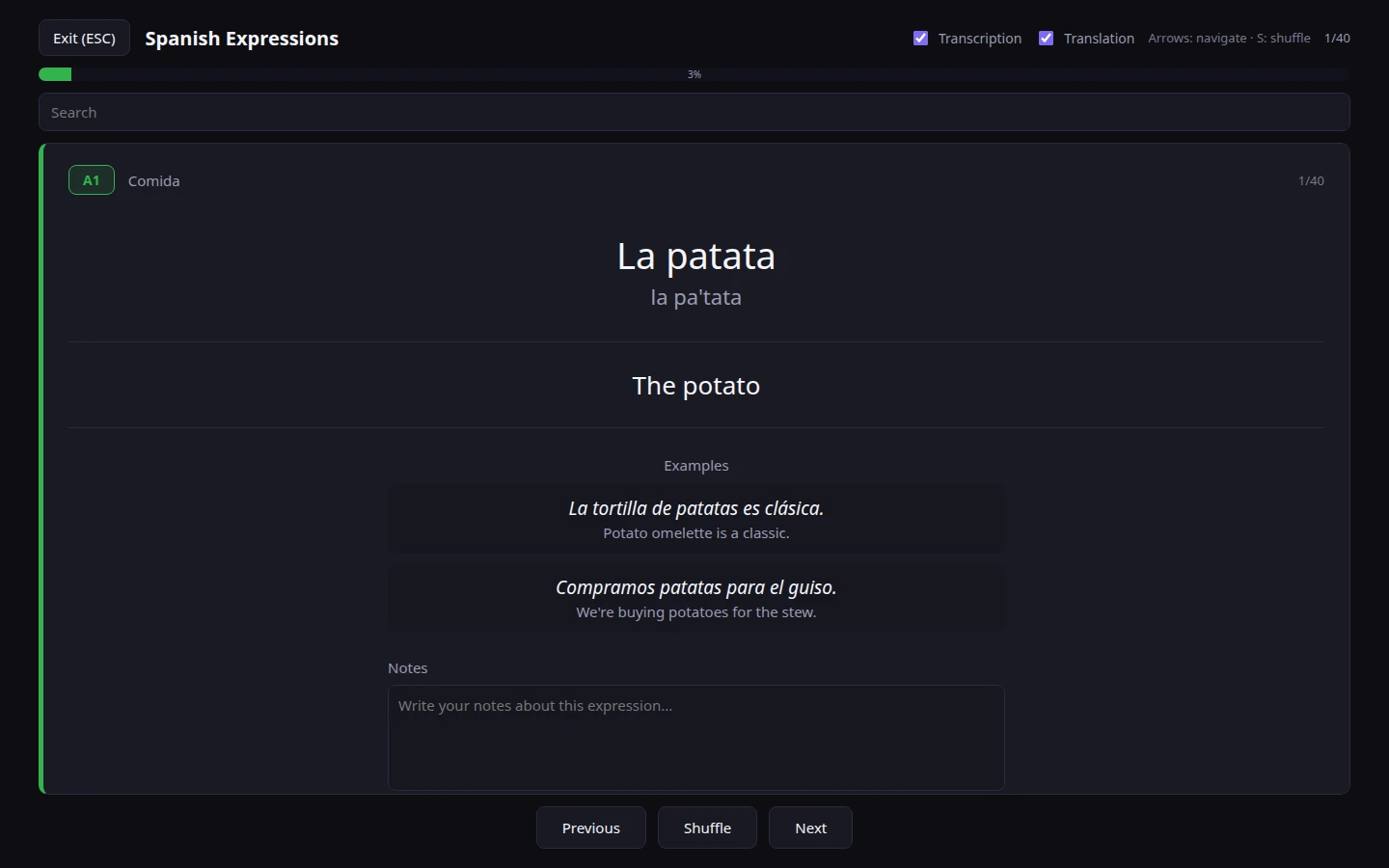
The actual app interface with 40 expressions — 10 for each CEFR level. The full version ships 2080 expressions across A1–B2 and 88 categories.
The demo is limited to 10 expressions per level. Notes you write here stay in your browser.
Versions
Free
The app is installed directly from the APK file — allow installing from unknown sources in your system settings.
$12.99one-time
Secure crypto checkout via NOWPayments — the button goes live once payments are configured.
FAQ
Download the APK, allow installing from unknown sources in your system settings and open the file. The app needs Android 6.0 or newer.
Everything stays on your device: settings and notes are saved locally, and notes can be exported to a Markdown file at any time. No account, no cloud.
Lite includes the complete A1 level — 587 expressions — free, forever. Full adds A2, B1 and B2: 2080 expressions in 88 categories with the category filter.
Yes. The whole dataset is built into the app, so no network connection is needed — on desktop or on Android.